设置定时通知弹窗
场景介绍
从6.0.0(20) Beta1版本开始,新增支持设置定时通知弹窗。
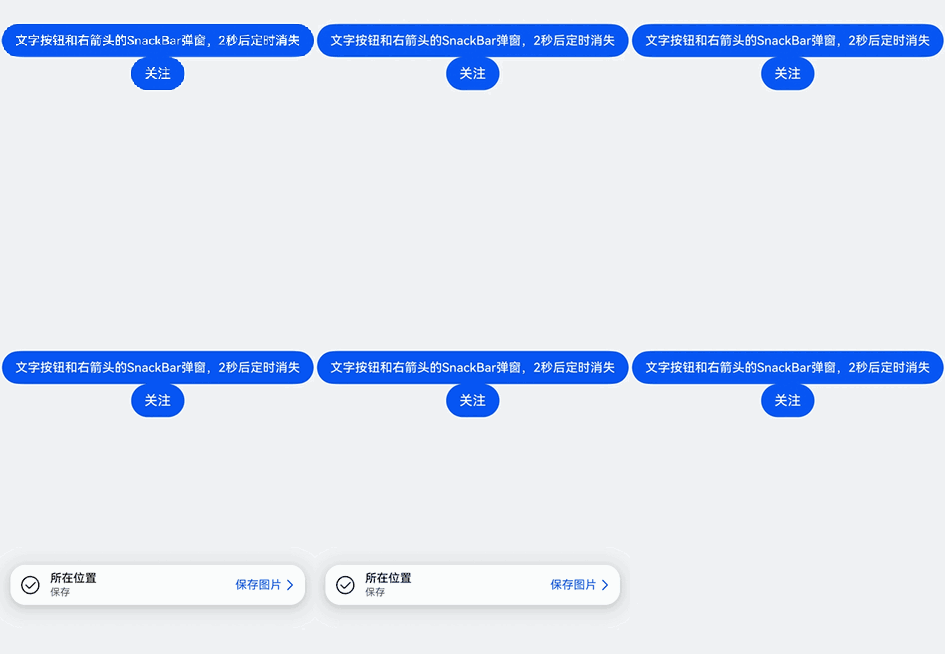
HdsSnackBar支持定时通知弹窗。当应用开发者需要定时通知提醒弹窗时,可以通过HdsSnackBar的show方法显示HdsSnackBar弹窗,设置duration是大于0的时间表示弹窗是定时消失的,默认定时时间是5000ms。
开发步骤
-
导入相关模块。
import {HdsSnackBar,SnackBarIconOptions,SnackBarMessageOptions,SnackBarOperationOptions,SnackBarStyleOptions,SnackBarOperationType} from '@kit.UIDesignKit' -
创建UIContext,创建HdsSnackBar对象hdsSnackBar,调用HdsSnackBar对象的show方法可以显示HdsSnackBar弹窗,入参是左侧图标icon、中间文本message、右侧操作区operation、样式style,其中右侧操作区设置类型是带有右箭头的文本按钮,其中style中设置duration是2000ms表示HdsSnackBar弹窗2秒后定时消失。
-
设置arrowButtonId和nextFocusId两个属性,支持开发者自定义Tab键走焦能力。
@Entry@ComponentV2struct TestSnackBar02 {uiContext: UIContext = this.getUIContext();hdsSnackBar: HdsSnackBar = new HdsSnackBar(this.uiContext);icon: SnackBarIconOptions = {icon: $r('sys.symbol.checkmark_circle')}message: SnackBarMessageOptions = {title: $r('sys.string.ohos_id_text_location_button_description_current_position'),content: $r('sys.string.ohos_id_text_save_button_description_save')}operation: SnackBarOperationOptions = {operationType: SnackBarOperationType.TEXT_WITH_ARROW,content: $r('sys.string.ohos_id_text_save_button_description_save_image'),arrowButtonId: 'snackBarArrowButton'}style: SnackBarStyleOptions = {nextFocusId: 'button',duration: 2000}build() {Column() {Blank().height(400)Button('文字按钮和右箭头的SnackBar弹窗,2秒后定时消失').onClick(() => {this.hdsSnackBar.show(this.icon, this.message, this.operation, this.style);}).id("button")Button('关注').nextFocus({// 这里forward的id必须和SnackBarOperationOptions接口中传入的arrowButtonId相同forward: 'snackBarArrowButton'})}.width('100%').height('100%').backgroundColor(0xF1F3F5)}}