静态图
场景介绍
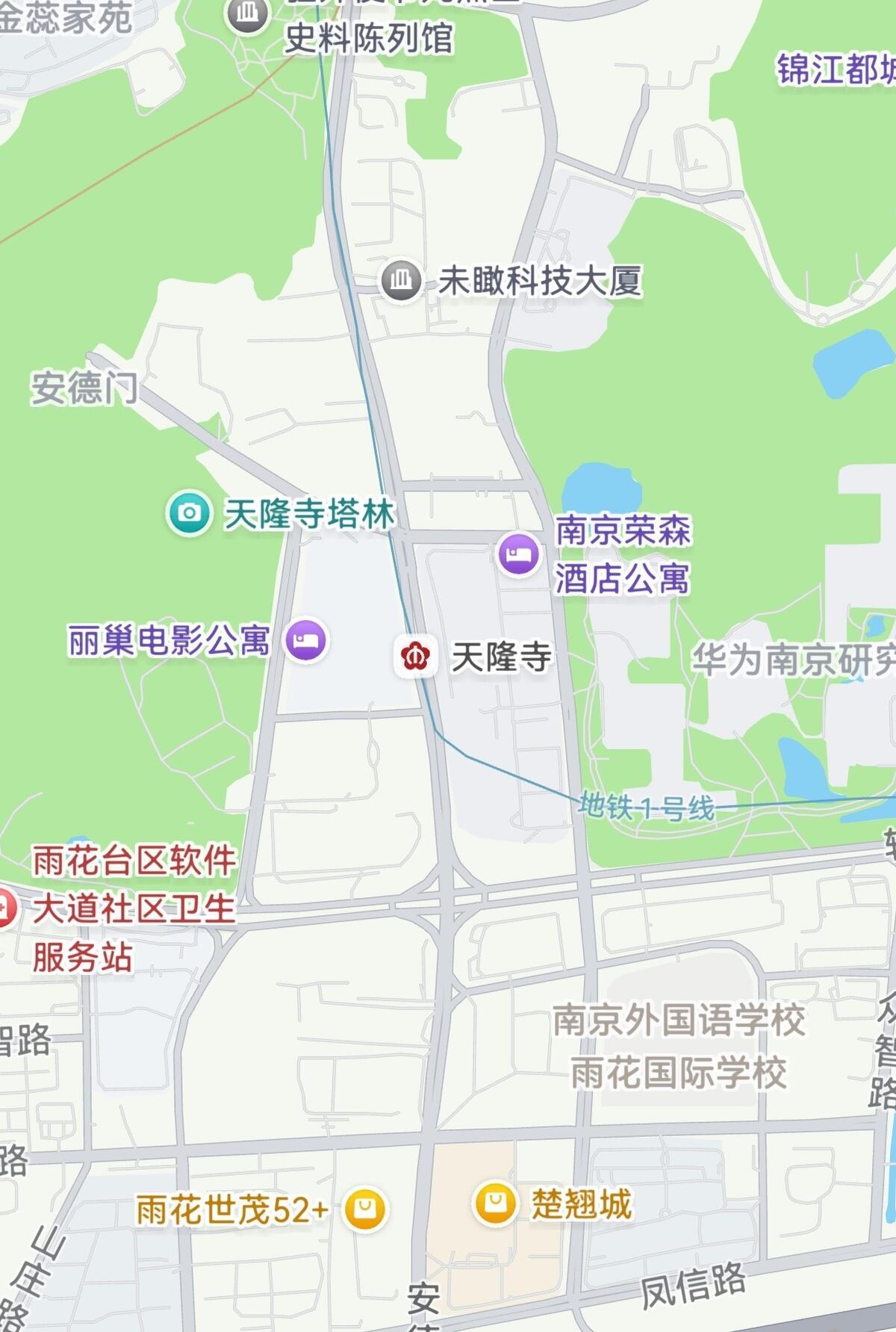
本章节将向您介绍如何使用静态图功能。静态图功能会返回一张地图图片,您可以将地图以图片形式嵌入自己的应用/元服务中。在使用时,您可以指定请求的地图位置、图片大小。
图1 静态图
接口说明
以下是地图静态图相关接口,获取静态图功能主要由staticMap命名空间下的方法提供,更多接口及使用方法请参见接口文档。
| 接口名 | 描述 |
|---|---|
| StaticMapOptions | 用于描述静态图属性。 |
| getMapImage(options: StaticMapOptions): Promise<image.PixelMap> | 根据提供的参数创建静态图。 |
| getMapImage(context: common.Context, options: StaticMapOptions): Promise<image.PixelMap> | 根据提供的参数创建静态图。支持上传Context上下文。 |
开发步骤
-
导入相关模块。
import { staticMap } from '@kit.MapKit';import { BusinessError } from '@kit.BasicServicesKit'; -
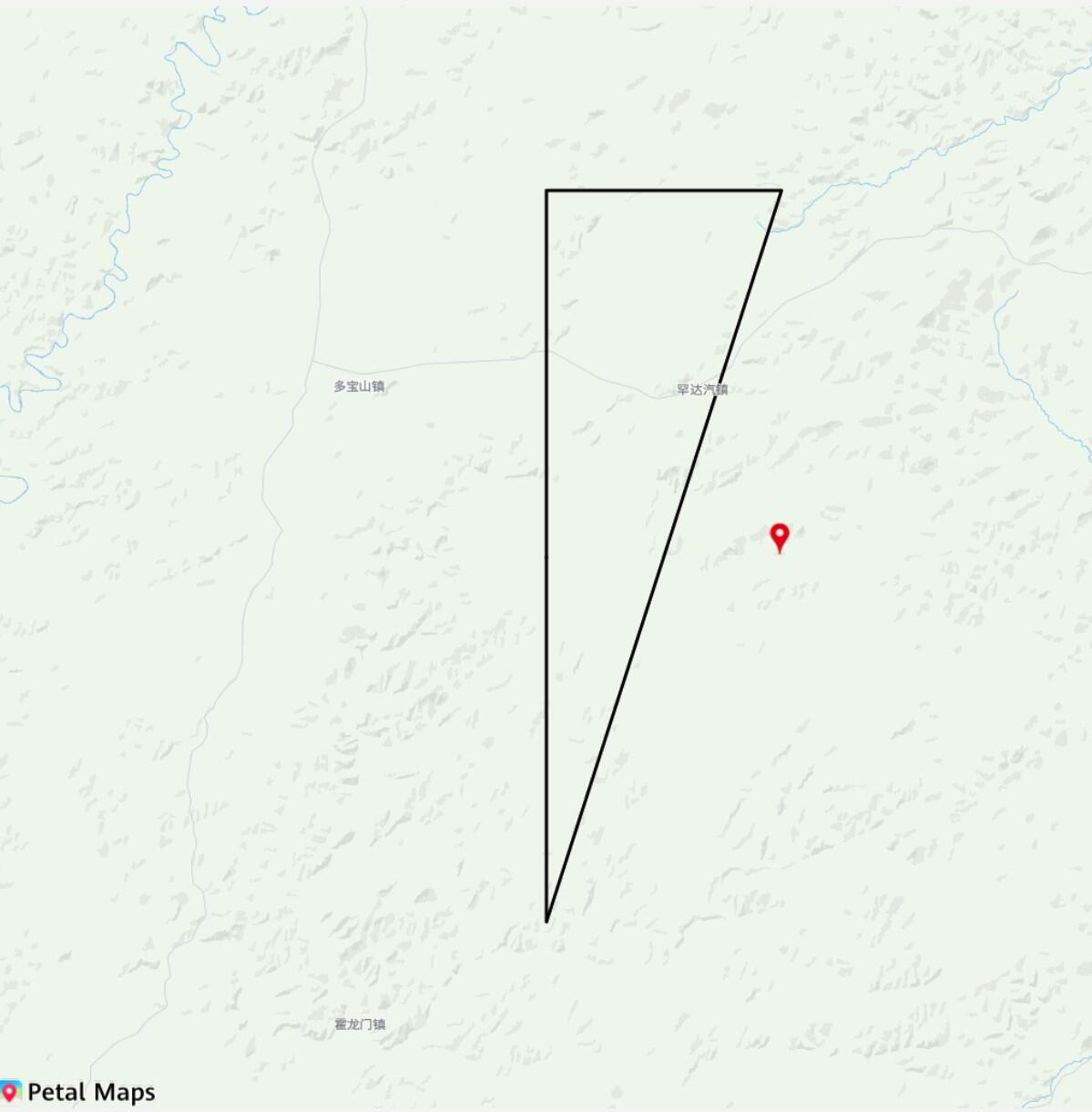
创建静态图初始化参数,调用getMapImage方法获取静态图,效果如下图。
@Entry@Componentstruct StaticMapDemo {@State image?: PixelMap = undefined;build() {Column() {this.buildDemoUI();}.width('100%').margin({ bottom: 48 }).backgroundColor(0xf2f2f2).height('100%')}@BuilderbuildDemoUI() {// 展示获取的静态图Image(this.image).width('100%').fitOriginalSize(false).border({ width: 1 }).borderStyle(BorderStyle.Dashed).objectFit(ImageFit.Contain).height("90%")Row() {Button("getStaticMap").fontSize(12).onClick(async () => {// 设置静态图标记参数let markers: Array<staticMap.StaticMapMarker> = [{location: {latitude: 50,longitude: 126.3},font: 'statics',defaultIconSize: staticMap.IconSize.TINY}];// 设置静态图绘制路径参数let path: staticMap.StaticMapPath = {locations: [{latitude: 50,longitude: 126},{latitude: 50.3,longitude: 126},{latitude: 50.3,longitude: 126.3},{latitude: 49.7,longitude: 126},{latitude: 50,longitude: 126}],width: 3};// 拼装静态图参数let option: staticMap.StaticMapOptions = {location: {latitude: 50,longitude: 126},zoom: 10,imageWidth: 1024,imageHeight: 1024,scale: 1,markers: markers,path: path};try {// 获取静态图this.image = await staticMap.getMapImage(option);console.info("Succeeded in getting image.");} catch (error) {const err: BusinessError = error as BusinessError;console.error(`Failed in getting image, code: ${err.code}, message: ${err.message}`);}})}.margin({ top: 12 })}}图2 调用getMapImage方法获取静态图