瓦片图层
场景介绍
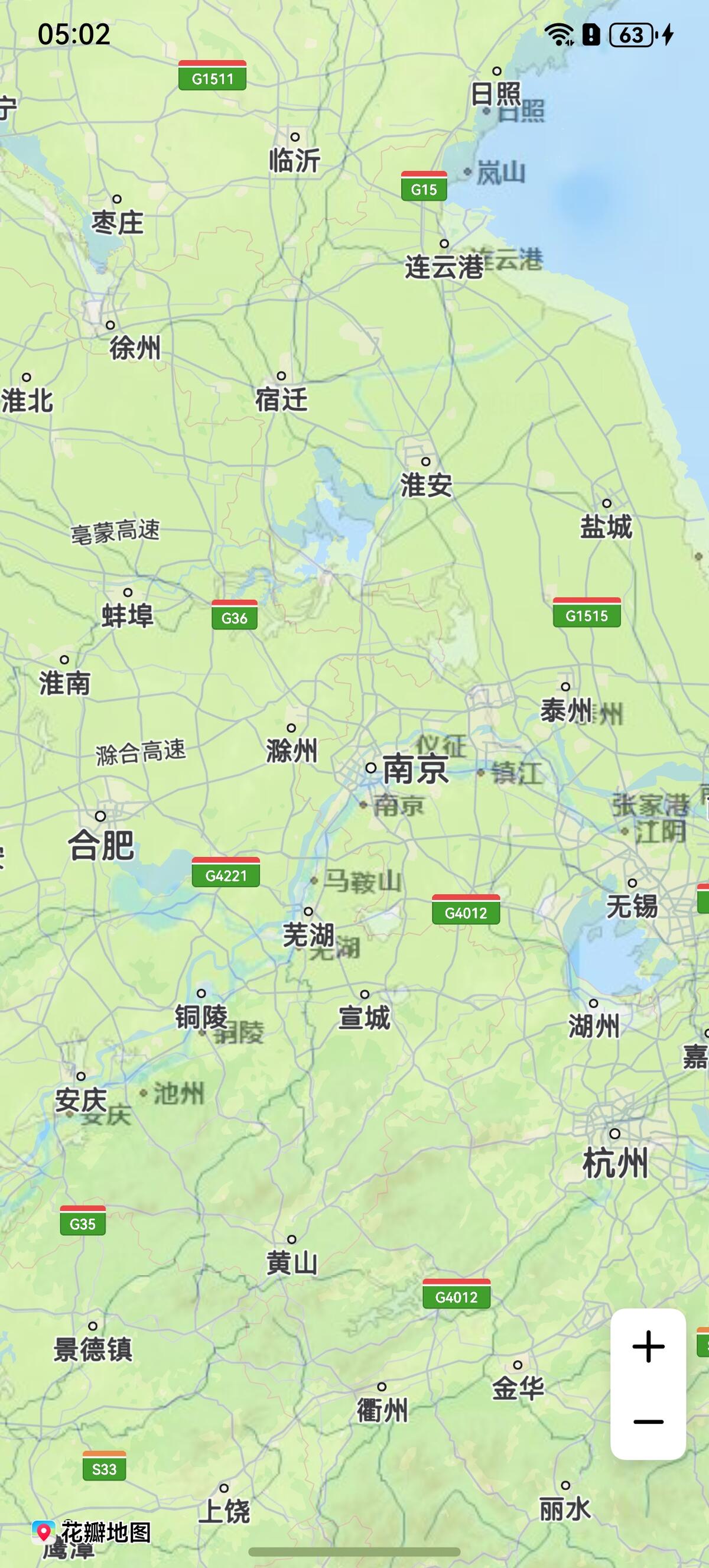
新增瓦片图层(TileOverlay), 该图层支持添加自有瓦片数据,包括在线下载和本地加载两种方式。该图层可随地图的平移、缩放、旋转等操作做相应的变换,它仅位于底图之上(即瓦片图层将会遮挡底图,不遮挡其他图层),瓦片图层的添加顺序不会影响其他图层的叠加关系。
通过瓦片图层可对基础底层地图添加额外的特性,如:某个商场的室内信息、某个景区的详情等等。适用于开发者拥有某一区域的地图,并希望使用此区域地图覆盖相应位置的华为地图。
5.0.3(15)开始,支持瓦片图层功能。
6.0.0(20)开始,支持瓦片数据缓存功能。
接口说明
瓦片图层功能主要由TileOverlayParams、TileOverlayOptions、addTileOverlay和TileOverlay提供,更多接口及使用方法请参见接口文档。
| 接口名 | 描述 |
|---|---|
| TileOverlayParams | 瓦片图层参数。 |
| TileOverlayOptions | 瓦片图层参数。 |
| addTileOverlay(params: mapCommon.TileOverlayParams | mapCommon.TileOverlayOptions): TileOverlay |
| TileOverlay | 瓦片图层,支持更新和查询相关属性。 |
开发步骤
瓦片图层的绘制方式提供两种方式:在线下载和本地加载。
在线下载
-
导入相关模块。
import { map, mapCommon, MapComponent } from '@kit.MapKit';import { AsyncCallback } from '@kit.BasicServicesKit'; -
增加瓦片图层,在线下载方式需要设置在线瓦片的URL地址。
@Entry@Componentstruct TileOverlayDemo {private mapOptions?: mapCommon.MapOptions;private mapController?: map.MapComponentController;private callback?: AsyncCallback<map.MapComponentController>;private tileOverlay?: map.TileOverlay;aboutToAppear(): void {this.mapOptions = {position: {target: {latitude: 31.98,longitude: 118.7},zoom: 7}}this.callback = async (err, mapController) => {if (!err) {this.mapController = mapController;let params: mapCommon.TileOverlayOptions = {// 设置地图瓦片图层的地址,必须是以http或者https开头的URL且包含占位符{x}、{y}和{z}// 需要替换为开发者自己的在线地址tileUrl: "https://xxx/xxx?x={x}&y={y}&z={z}",// 透明度transparency: 0.5,// 开启瓦片图层淡入fadeIn: true};try {this.tileOverlay = this.mapController?.addTileOverlay(params);} catch (e) {console.error(`code:${e.code}, message:${e.message}`);}} else {console.error(`Failed to initialize the map, code is:${err.code}, message is ${err.message}`);}}}build() {Stack() {Column() {MapComponent({ mapOptions: this.mapOptions, mapCallback: this.callback }).width('100%').height('100%')}.width('100%')}.height('100%')}}
本地加载
-
导入相关模块。
import { mapCommon, map, MapComponent } from '@kit.MapKit';import { AsyncCallback } from '@kit.BasicServicesKit'; -
增加本地瓦片图层。
@Entry@Componentstruct TileOverlayDemo {private mapOption?: mapCommon.MapOptions;private mapController?: map.MapComponentController;private callback?: AsyncCallback<map.MapComponentController>;private tileOverlay?: map.TileOverlay;aboutToAppear(): void {this.mapOption = {position: {target: {latitude: 31.98,longitude: 118.7},zoom: 7},scaleControlsEnabled: true}this.callback = async (err, mapController) => {if (!err) {this.mapController = mapController;let tileOverlayOption: mapCommon.TileOverlayOptions = {// 根据瓦片坐标获取瓦片,本地获取瓦片方式需开发者自行实现tileProvider方法tileProvider: this.tileProviderMethod,// 淡入淡出效果 true: 开启, false: 关闭fadeIn: true,// 透明度, 取值范围 0-1transparency: 0.5,// 可见性, true: 可见 false: 不可见visible: true}if (this.mapController !== undefined) {try {this.tileOverlay = this.mapController.addTileOverlay(tileOverlayOption);} catch (e) {console.error(`code:${e.code}, message:${e.message}`);}}} else {console.error(`Failed to initialize the map, code is:${err.code}, message is ${err.message}`);}}}// 需要开发者自实现tileProviderMethod方法,负责加载本地项目中的瓦片图资源private tileProviderMethod(x: number, y: number, z: number): Promise<ArrayBuffer> {return new Promise((resolve, reject) => {});}build() {Stack() {Column() {MapComponent({ mapOptions: this.mapOption, mapCallback: this.callback }).width('100%').height('100%');}.width('100%')}.height('100%')}}
支持瓦片数据缓存
-
导入相关模块。
import { mapCommon, map, MapComponent } from '@kit.MapKit';import { AsyncCallback } from '@kit.BasicServicesKit'; -
增加瓦片图层。
@Entry@Componentstruct TileOverlayDemo {private mapOption?: mapCommon.MapOptions;private mapController?: map.MapComponentController;private callback?: AsyncCallback<map.MapComponentController>;private tileOverlay?: map.TileOverlay;aboutToAppear(): void {this.mapOption = {position: {target: {latitude: 48.87278,longitude: 2.33016},zoom: 4},scaleControlsEnabled: true}this.callback = async (err, mapController) => {if (!err) {this.mapController = mapController;let options: mapCommon.TileOverlayOptions = {// 设置地图瓦片图层的地址,必须是以http或者https开头的URL且包含占位符{x}、{y}和{z}// 需要替换为开发者自己的在线地址tileUrl: "https://xxx/xxx?x={x}&y={y}&z={z}",// 是否开启磁盘缓存 true: 开启, false: 关闭diskCacheEnabled: true,// 磁盘缓存大小 默认大小 20480KB, 单位KBdiskCacheSize: 20480,// 存放磁盘缓存的沙箱路径diskCachePath: this.getUIContext().getHostContext()?.databaseDir};if (this.mapController !== undefined) {try {this.tileOverlay = this.mapController.addTileOverlay(options);} catch (e) {console.error(`code:${e.code}, message:${e.message}`);}}} else {console.error(`Failed to initialize the map, code is:${err.code}, message is ${err.message}`);}}}aboutToDisappear(): void {if (this.tileOverlay) {this.tileOverlay.remove();// 清除内存缓存this.tileOverlay.clearTileCache();// 清除磁盘和内存缓存this.tileOverlay.clearDiskCache();}}build() {Stack() {Column() {MapComponent({ mapOptions: this.mapOption, mapCallback: this.callback }).width('100%').height('100%');}.width('100%')}.height('100%')}}